
⌨️ Product Description
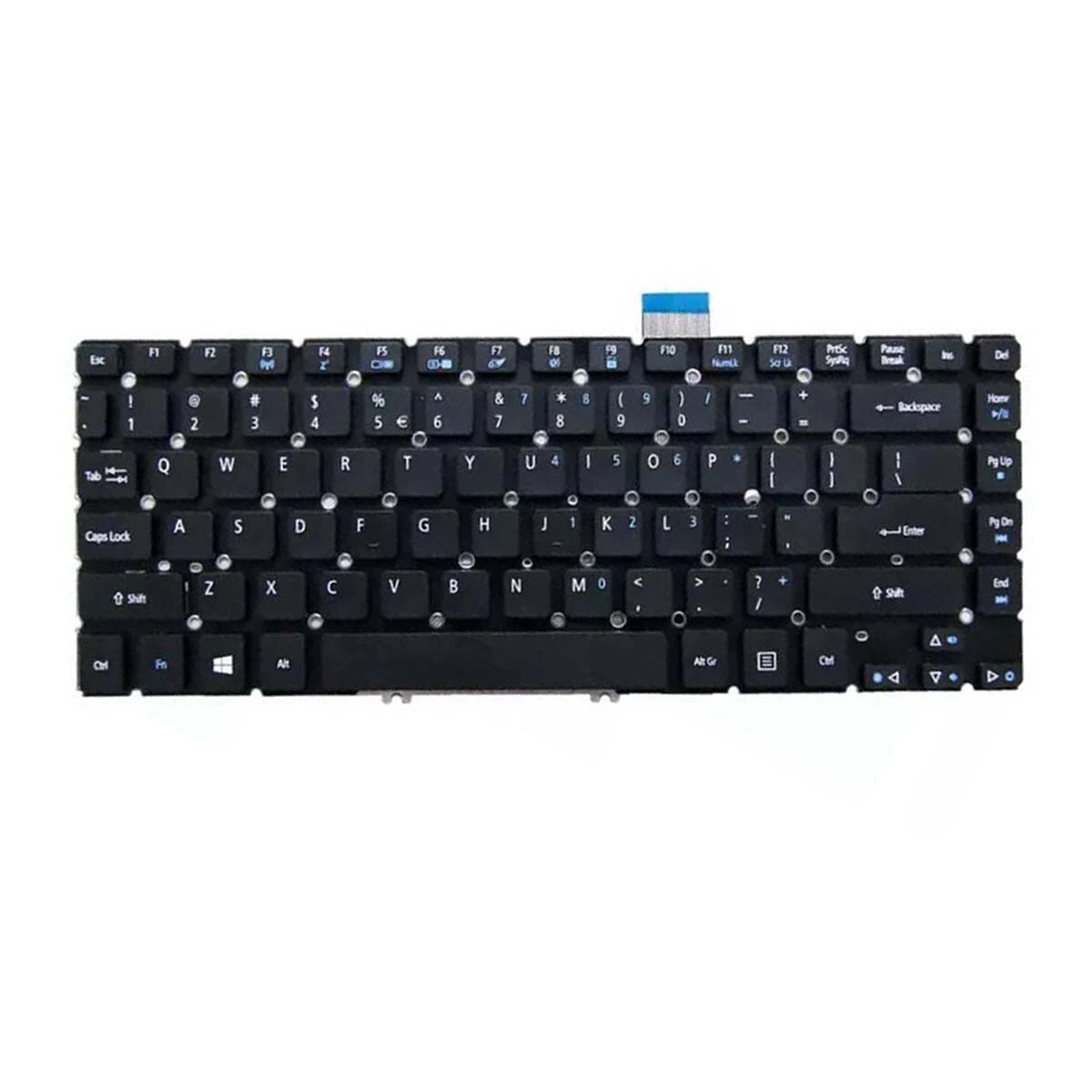
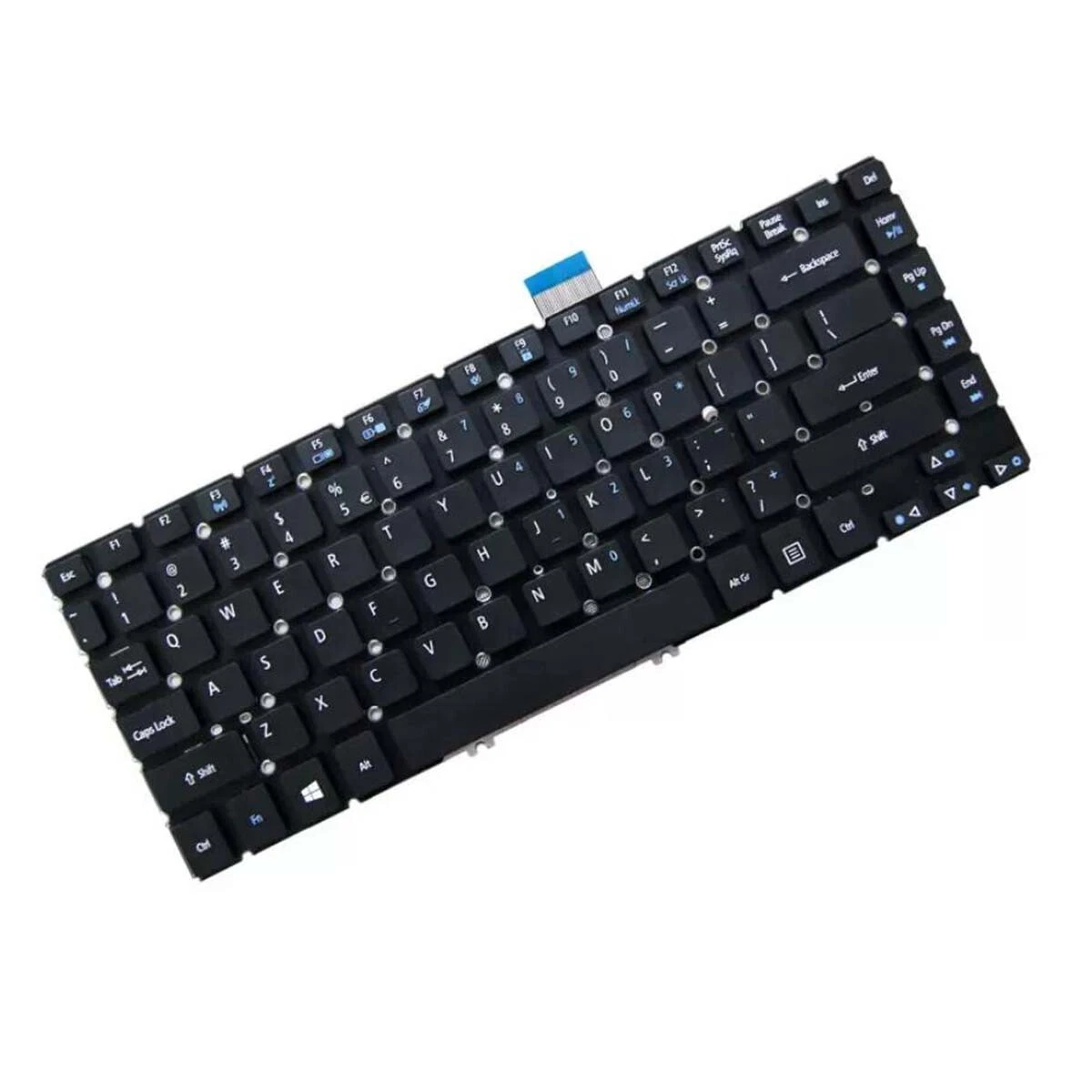
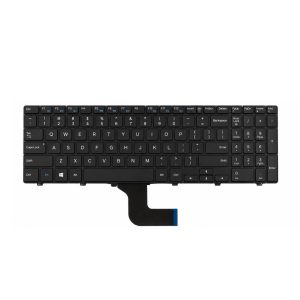
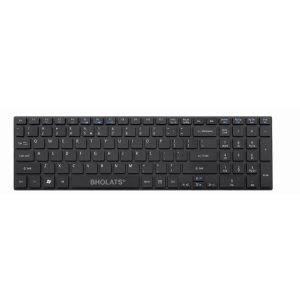
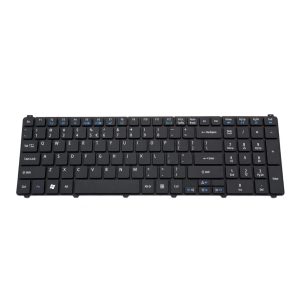
Upgrade or restore your Acer laptop’s typing performance with the Replacement Keyboard for Acer Aspire M5 and V5 Series. Designed for precision, comfort, and durability, this keyboard offers a smooth, responsive typing experience that matches the original factory specifications. Whether you’re replacing a damaged keyboard or refurbishing a laptop for resale, this unit ensures professional quality and compatibility.
⭐ Key Selling Features
- Perfect Compatibility – Fits Acer Aspire M5‑481, M5‑481G, M5‑481PT, M5‑481PTG, V5‑471, V5‑471G, V5‑471P, V5‑471PG, and EC‑470G models.
- OEM‑Grade Quality – Manufactured to exact Acer standards for seamless fit and reliable performance.
- Responsive Keys – Soft‑touch keys with precise actuation for comfortable, quiet typing.
- Durable Construction – High‑quality plastic and reinforced key mechanisms ensure long‑term use.
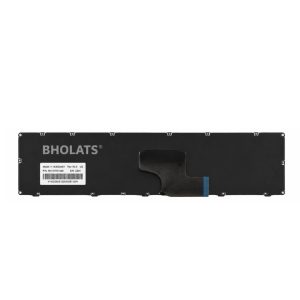
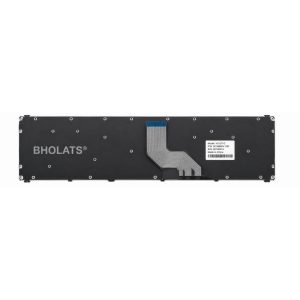
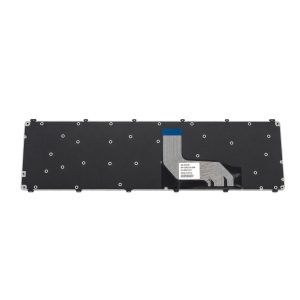
- Easy Installation – Plug‑and‑play design with pre‑installed ribbon cable connector for quick replacement.
- Sleek Design – Matte black finish with clear white lettering complements the laptop’s modern aesthetic.
- Backlit Option (if applicable) – Some variants include LED backlighting for enhanced visibility in low‑light environments.
- Layout – Standard QWERTY layout with full‑size keys and integrated function shortcuts.
⚙️ Technical Specifications
| Specification | Details |
|---|---|
| Model Compatibility | Acer Aspire M5‑481 / M5‑481G / M5‑481PT / M5‑481PTG / V5‑471 / V5‑471G / V5‑471P / V5‑471PG / EC‑470G |
| Type | Laptop Keyboard (Internal Replacement) |
| Layout | QWERTY (US / UK variants available) |
| Color | Black with white key legends |
| Backlight | Optional (depends on model variant) |
| Material | ABS plastic with reinforced scissor‑switch mechanism |
| Connection Interface | Ribbon cable connector |
| Dimensions | Approx. 32 cm × 11 cm × 0.5 cm |
| Weight | ≈ 250 g |
| Warranty | 6 months – 1 year (depending on supplier) |
💼 Ideal For
- Laptop repair technicians and refurbishers restoring Acer Aspire units.
- Retail customers replacing worn or damaged keyboards.
- IT resellers offering certified spare parts for Acer laptops.
🔧 Installation Tip
Disconnect the battery before installation to prevent static damage. Align the ribbon cable carefully with the connector slot and secure the latch before reassembling the top cover.
Reviews
There are no reviews yet.